CompanyCam use case

Turn the CompanyCam photo set into the report your customer needs.

Keep the field photo workflow your crews already use. HoodCleaningReport adds the reporting layer: scope, access notes, deficiencies, service frequency, signoff, branded PDF, and a retained customer link.

01CompanyCam projectPhotos · tags · creator
02Report reviewScope · exceptions · signoff
03PDF + VaultCustomer-ready handoff

Direct answer

What the integration changes

CompanyCam is the field evidence source. HoodCleaningReport turns that evidence into the service record. The integration avoids downloading a camera roll, renaming files, and uploading the same photos into a generic document one at a time.

The report still needs a human review. Photo metadata can identify when and where a picture was captured, but the contractor confirms what was cleaned, what was accessible, what remains deficient, and what recommendation belongs in the final record.

Four-step workflow

From project photos to a finished hood cleaning report.

  1. 01

    Select the CompanyCam project

    Connect CompanyCam, choose the customer project, and import the field photo set with available tags, captions, timestamps, GPS, and creator context.

  2. 02

    Organize the job evidence

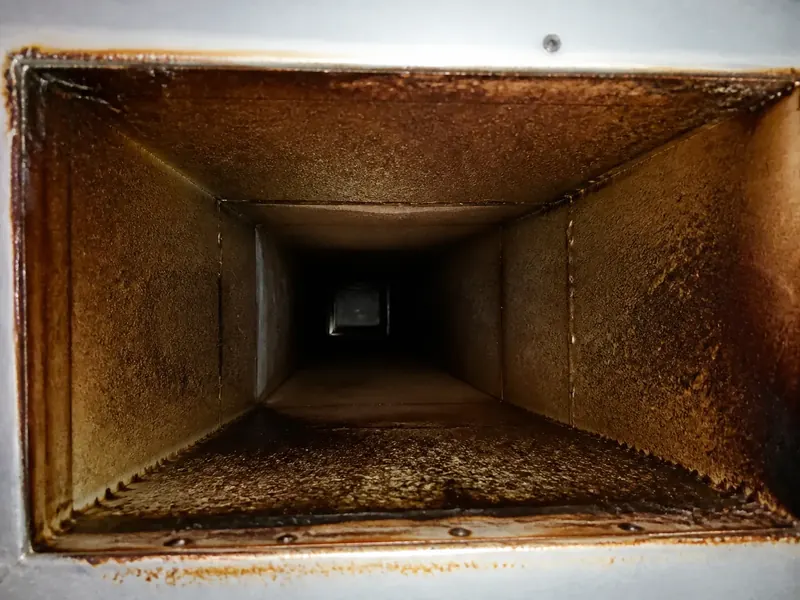
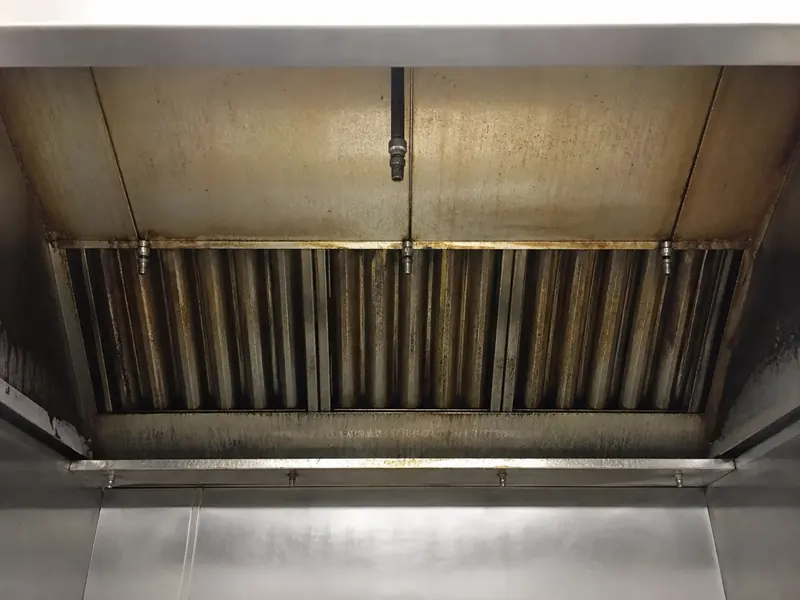
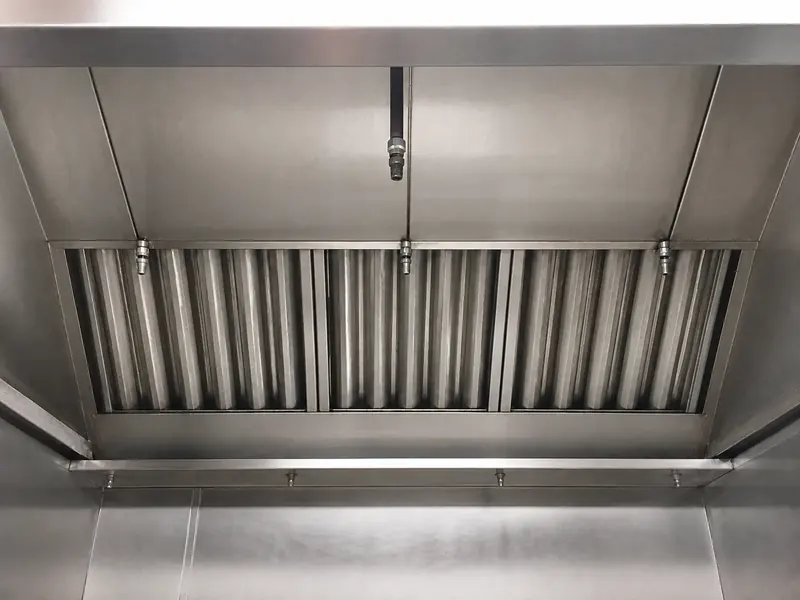
    Group photos by hood, plenum, duct access, fan, rooftop area, before, after, inaccessible area, and deficiency.

  3. 03

    Review the report draft

    Confirm service details, scope, access limitations, deficiencies, next service recommendation, and required signoff fields.

  4. 04

    Publish the customer record

    Generate the branded PDF, email or download it, and create a signed Vault link the customer can open without an account.

Evidence map

Give every photo a job in the report.

Field evidenceReport destinationReview question
Before and after hood photosCleaning scope and photo evidenceDo the angles match and identify the correct hood line?
Duct access photoAccess recordWas the section opened, visible, inaccessible, or outside scope?
Fan and rooftop photosFan, curb, and grease containment sectionsDoes the report separate completed work from a remaining condition?
Deficiency close-upOpen item with recommended actionDoes the photo show location context as well as the condition?
Timestamp, GPS, and creatorJob context and audit supportIs the metadata accurate for this customer and service visit?

Workflow fit

Use it when the photos are done but the PDF is not.

This use case fits contractors already using CompanyCam who still rebuild reports in Word, fillable PDFs, email, or a VA queue. It does not replace the current standard, local requirements, qualified field judgment, or the customer’s submission process.