
Everything you need to make a useful introduction.
Real product proof, ready-to-post assets, and language that stays inside the facts. Built for people who already know kitchen exhaust contractors.
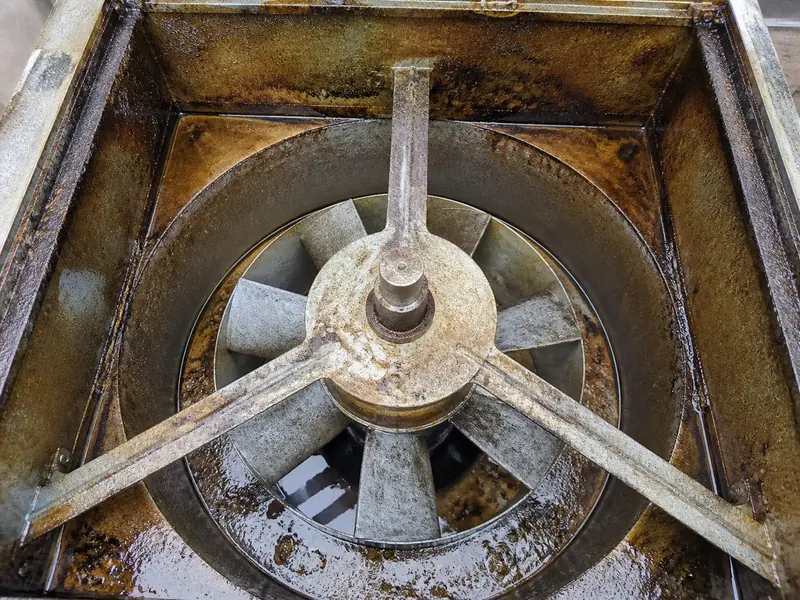
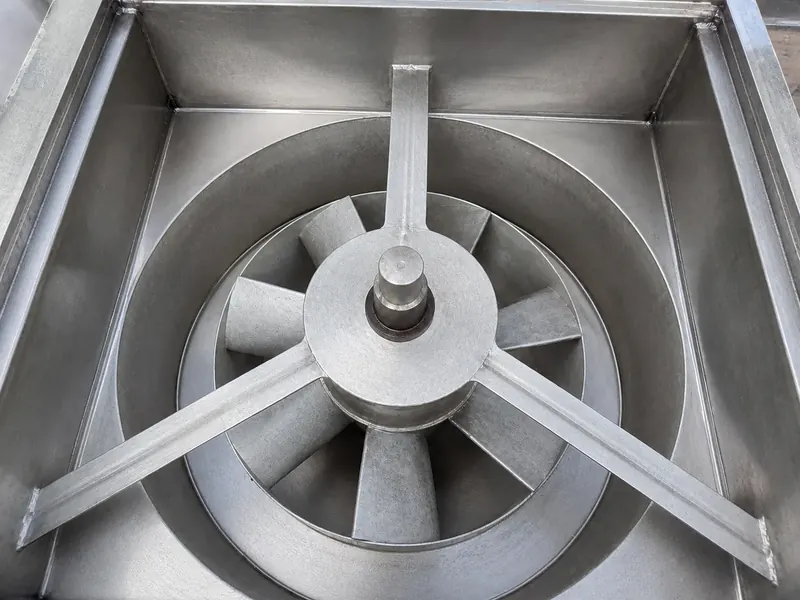
Explain the handoff, not a hype story.
HoodCleaningReport turns CompanyCam job photos into structured reports, branded PDFs, and customer Vault links. Contractors review the draft, document scope and deficiencies, then send a retained service record.
CompanyCam photo workflowBranded report PDFCustomer Vault historyReview before sending
Use the real mark.
Keep the logo proportions and colors intact. Download the format your placement accepts.





Let the product do the talking.
These cards use the actual report presentation. Pair each one with your own honest experience and disclosure.
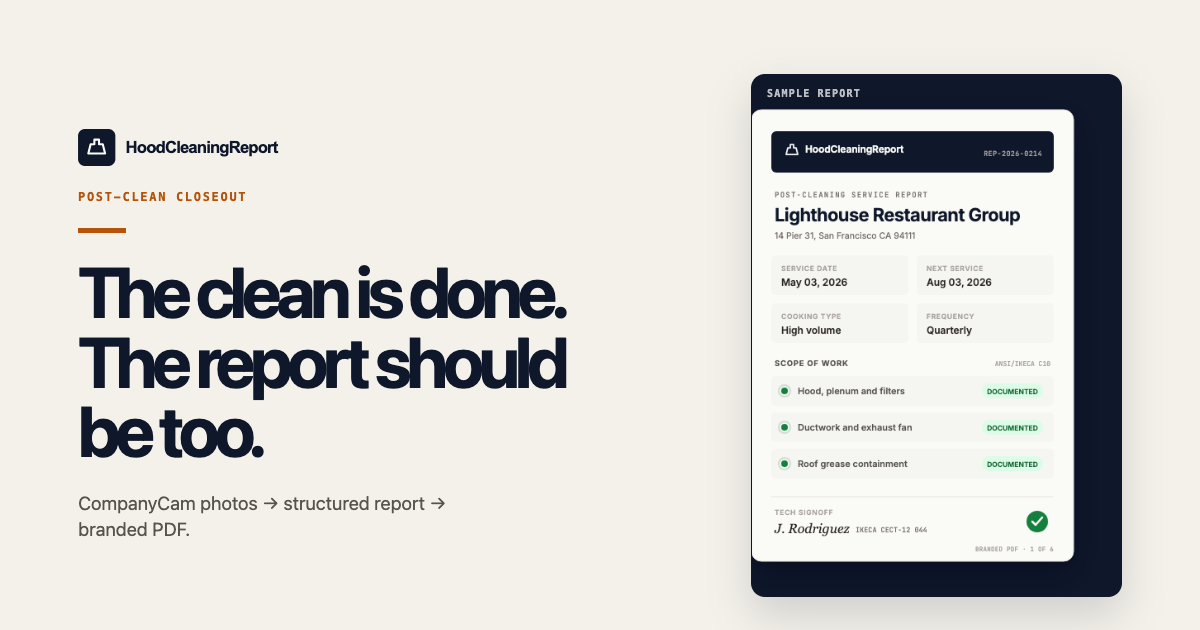
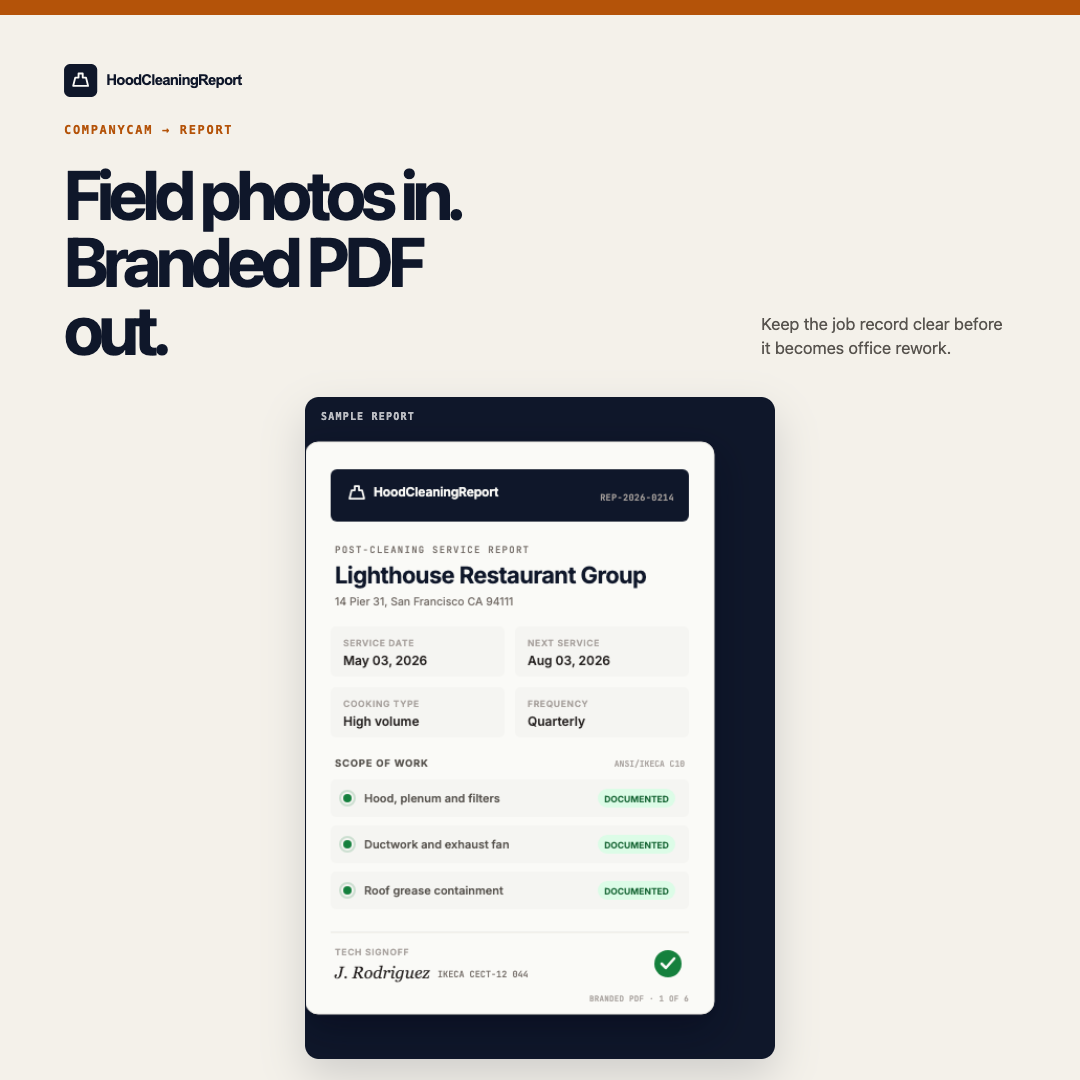
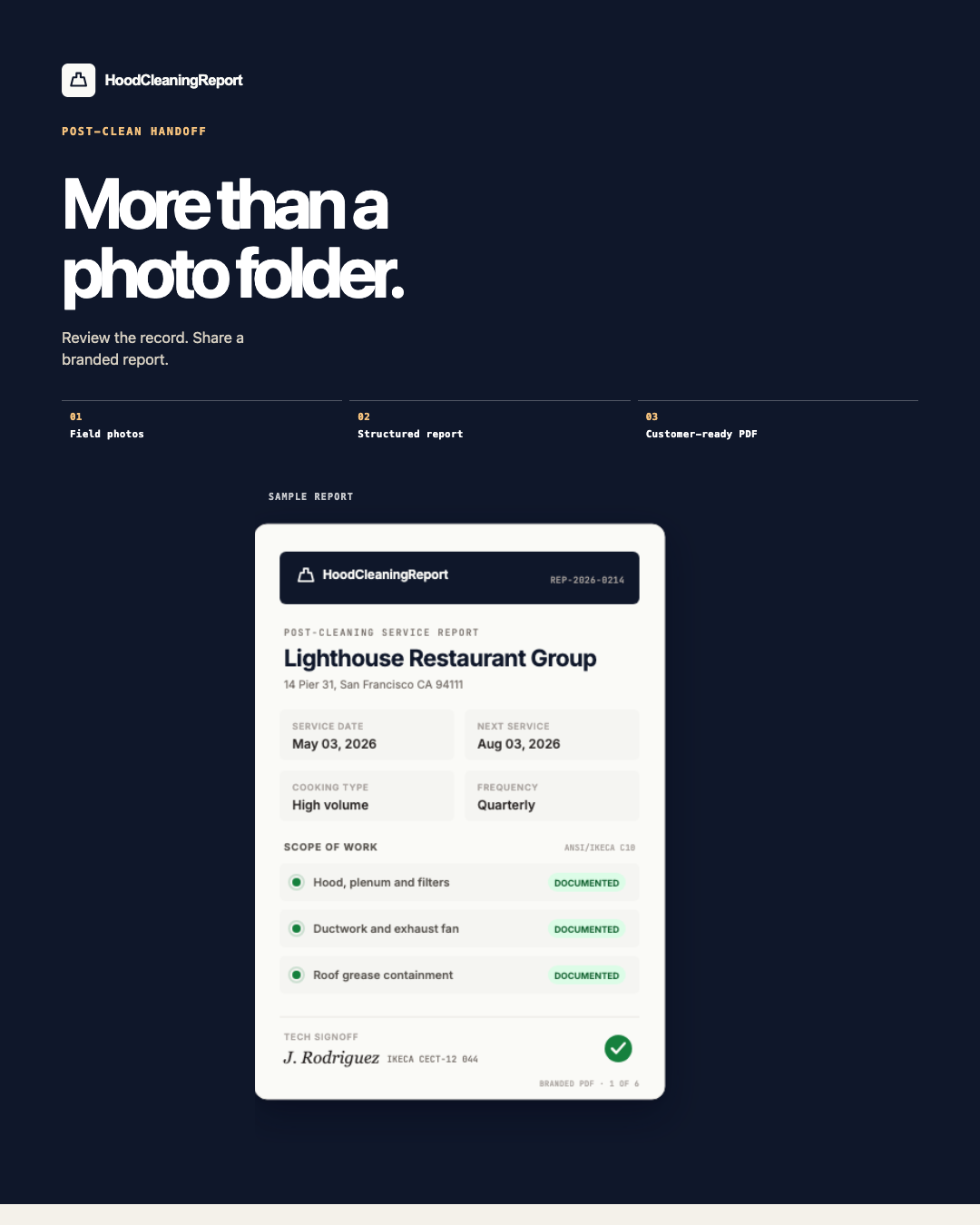
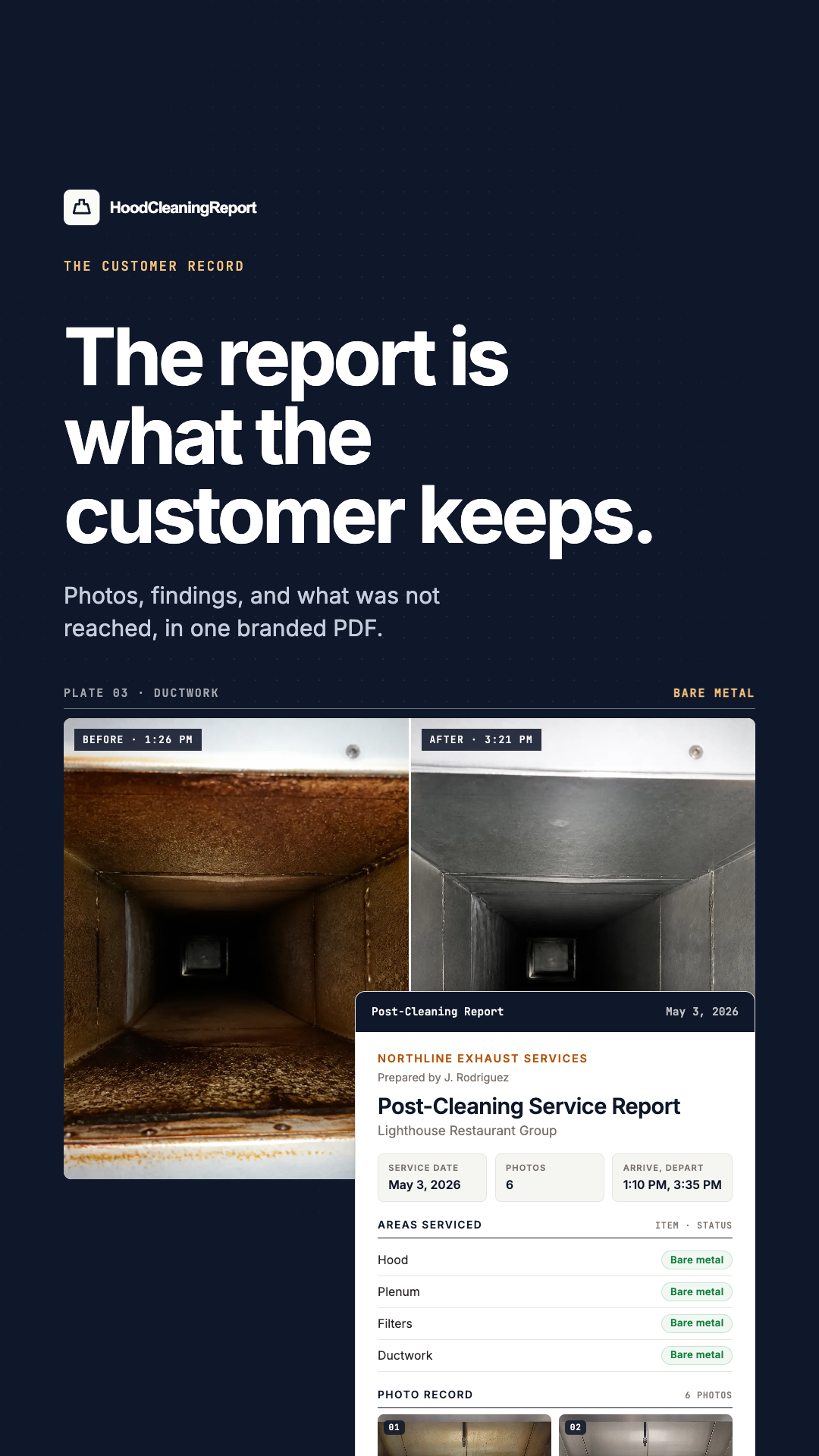
For the newsletter and the sidebar.
Sized for the top of a newsletter and the two ad slots most trade blogs run. Link each one to your tracked URL and keep the disclosure beside it.
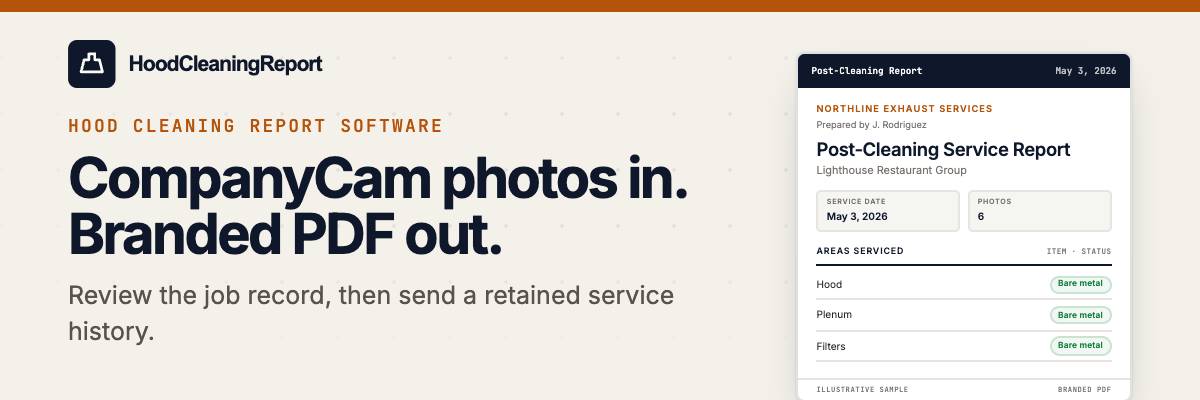
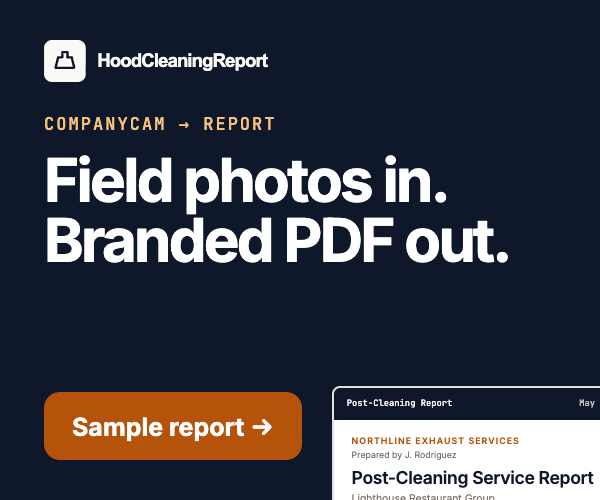

Start from a credible sentence.
Adapt the language to your own voice. Do not promise compliance, acceptance, savings, or results that cannot be verified.
“Still assembling hood cleaning PDFs by hand after the truck is back? HoodCleaningReport turns CompanyCam photos into a structured report, branded PDF, and customer Vault link.”Download copy pack
“The clean is done. The PDF should not wait on office rework. HoodCleaningReport helps kitchen exhaust contractors turn job photos, scope, deficiencies, and signoff into a customer-ready service record.”Download copy pack
“CompanyCam photos in. Branded hood cleaning report PDF out. HoodCleaningReport helps kitchen exhaust contractors document the service, review the job record, and give customers a signed Vault link with retained history.”Download copy pack
- The paperwork step you were doing before.
- What the CompanyCam import actually pulls in.
- What you edit before the report goes out.
- What the customer receives: PDF and Vault link.
- Who this fits, who it does not, and your disclosure.
“I may earn a commission if you sign up for HoodCleaningReport through my link. This does not change your price.”
Place it with the recommendation or link itself. Never hide it in a profile, hashtag cluster, or separate terms page.
Need an asset that is not here? Email viraj@hoodcleaningreport.com and tell us the placement and dimensions.
Show the workflow in 30 seconds.
Use the 30-second report video in a newsletter, on a partner page, or in social. It runs without sound. The vertical cut is sized for Shorts, Reels, and TikTok.
Keep your recommendation useful.
UseCustomer-ready documentation, CompanyCam workflow, branded PDF, review-before-send, deficiencies, and customer Vault language.
AvoidGuaranteed compliance, NFPA-approved claims, assured AHJ acceptance, unverified savings, fabricated stories, and promises about results.
DiscloseMake the financial relationship clear wherever you endorse or link to the product.