The GM
One link to forward, and a certificate to show.
hoodcleaningreport.com/share/…Copy
- Certificate of Service
- Lighthouse Restaurant Group
- Service date
- May 3, 2026
- Next due
- Aug 3, 2026
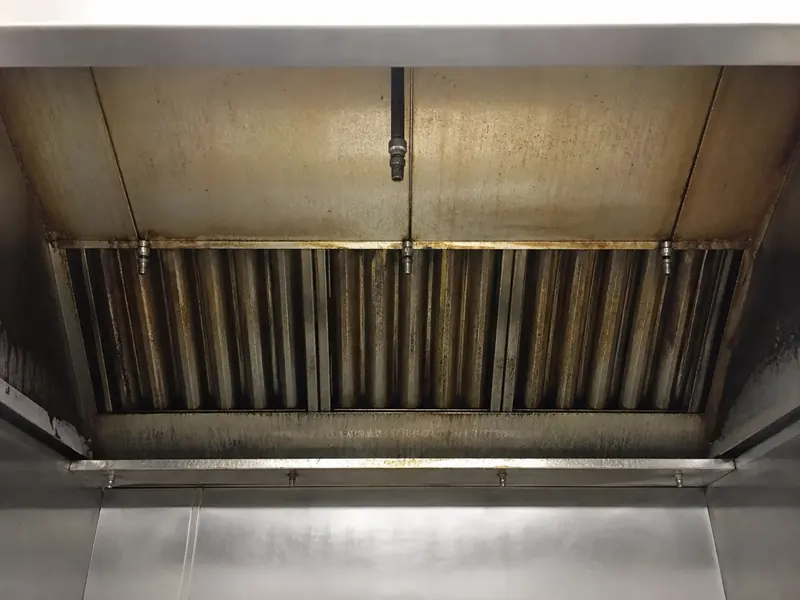 01
01 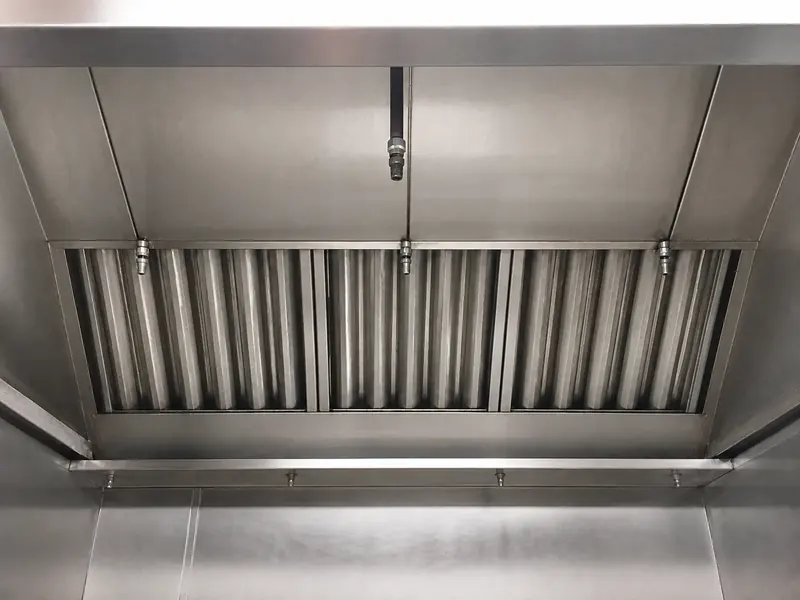 02
02 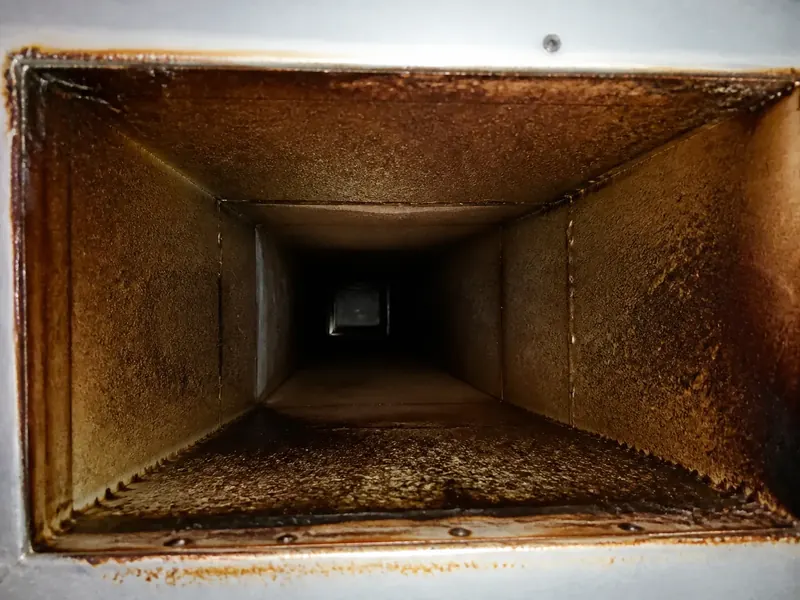 03
03 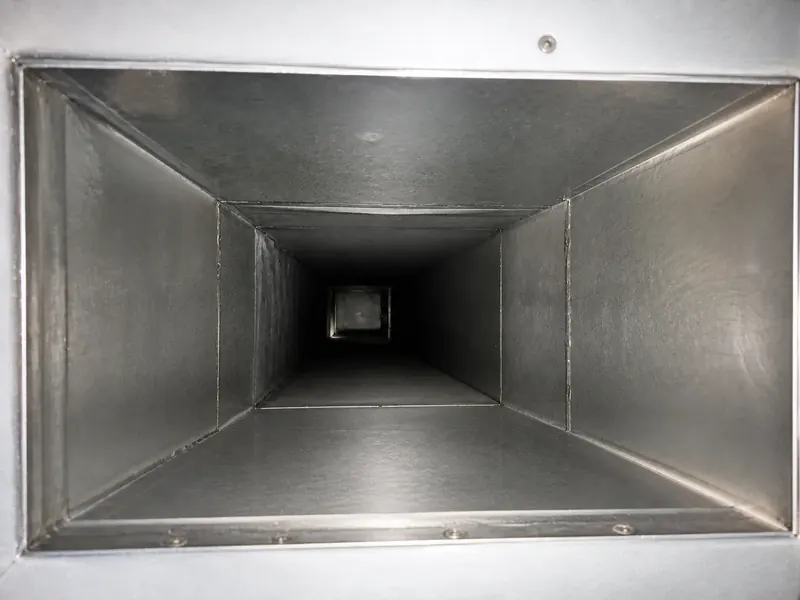 04
04 Northline Exhaust Services
Post-Cleaning Service Report
Lighthouse Restaurant Group
The crew shoots before and after like they already do. Photos land on the job with the time and the technician.
6 photos · J. Rodriguez · from the phone or CompanyCam
Captions, the summary, and findings arrive as a draft. You fix what is wrong and approve it. AI drafting is on paid plans.
Draft · not published
Photo 4 · DuctworkHorizontal duct run after service. Interior cleaned to bare metal.
SummaryRoof grease containment was partially serviced. Dampers were not accessed.
One publish makes the report PDF, the Certificate of Service, and the 3x5 sticker, all under one job number.
Job NES-01042 · 3:35 PM
The GM opens the link and forwards it to the marshal. On Pro and Business you see when it is opened through the share link.
Open log · Pro and Business
Illustrative activity, the morning after the job.
Each one checks something different. The same job covers all three.
The GM
hoodcleaningreport.com/share/…Copy
The fire marshal
Rooftop grease containment is saturated and no longer holding runoff at the exhaust fan base.
Areas serviced
Your office and the insurer
Earlier visits are illustrative.
The GM, the fire marshal, and the insurer open the same link. No login. Current and past reports, the next service date, and the PDF.
Pro and Business log opens and downloads made through the share page, with time, country, and device.
Lighthouse Restaurant Group
Download report PDFGenerated with HoodCleaningReport
Connect CompanyCam and pull a project's photos with their tags, captions, and creators. Or upload straight from the phone.
CompanyCam to reportHoodCleaningReport does the report. Scheduling and invoices stay where they are.
Documentation fields informed by NFPA 96 and ANSI/IKECA C10. How we state the references
Same job, same photos. Here is what the GM and the marshal get in each.
| What the reader checks | Word template and texted photos | HoodCleaningReport |
|---|---|---|
| Photos | Pasted in by hand, or texted separately | On the job with the time and the technician |
| Findings | Free text, when someone writes it | Severity and the NFPA 96 section beside the photo |
| What was not reached | Usually left out | Partial and not accessed areas listed by name |
| Certificate and sticker | Separate files, typed again | Made from the same job, same job number |
| Sending it | An attachment the GM has to find | One link, no login for the GM |
| Next year | Search old texts and email | Every published report in the client's Vault |
Shoot it the way you already do. Send the report before you leave.